How to send Make scenario results to a client portal
P
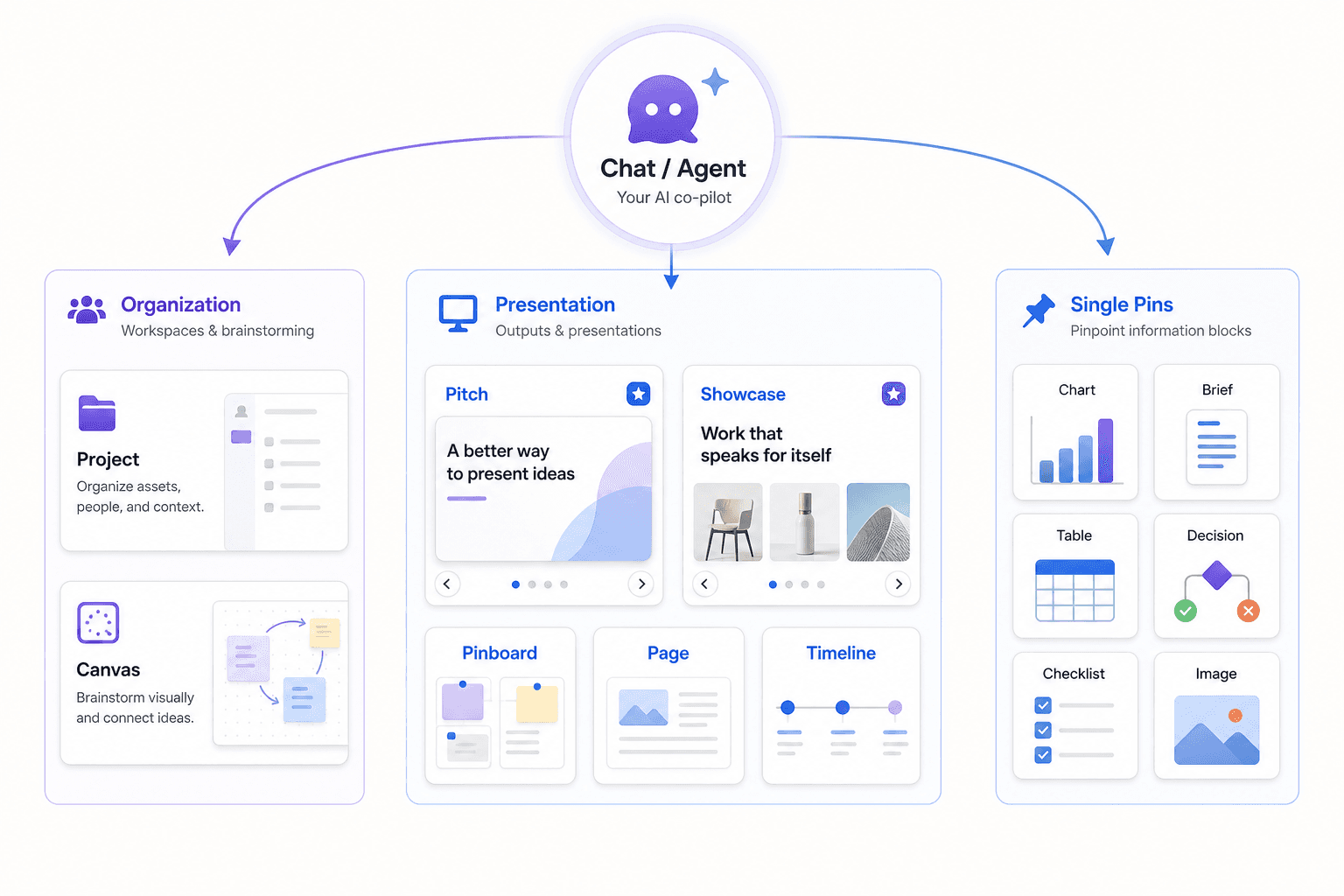
PindownBuild logic in Make, present outcomes in Pindown. This walkthrough shows how to map scenario output to typed pins so your client sees one live portal instead of recurring exports.
Goal: Keep Make for orchestration and use Pindown for delivery.
Setup in 5 steps
- Create a client-facing Pinboard or Pitch
- Add pins for KPI cards, detail table, and summary
- In Make, map transformed scenario output to pin payload JSON
- Add HTTP module to PATCH pin IDs
- Share one portal link with client
Why this setup wins
- no recurring "new report file" cycle
- clearer client communication
- lower delivery overhead for account managers