Pins explained: structured blocks beyond documents
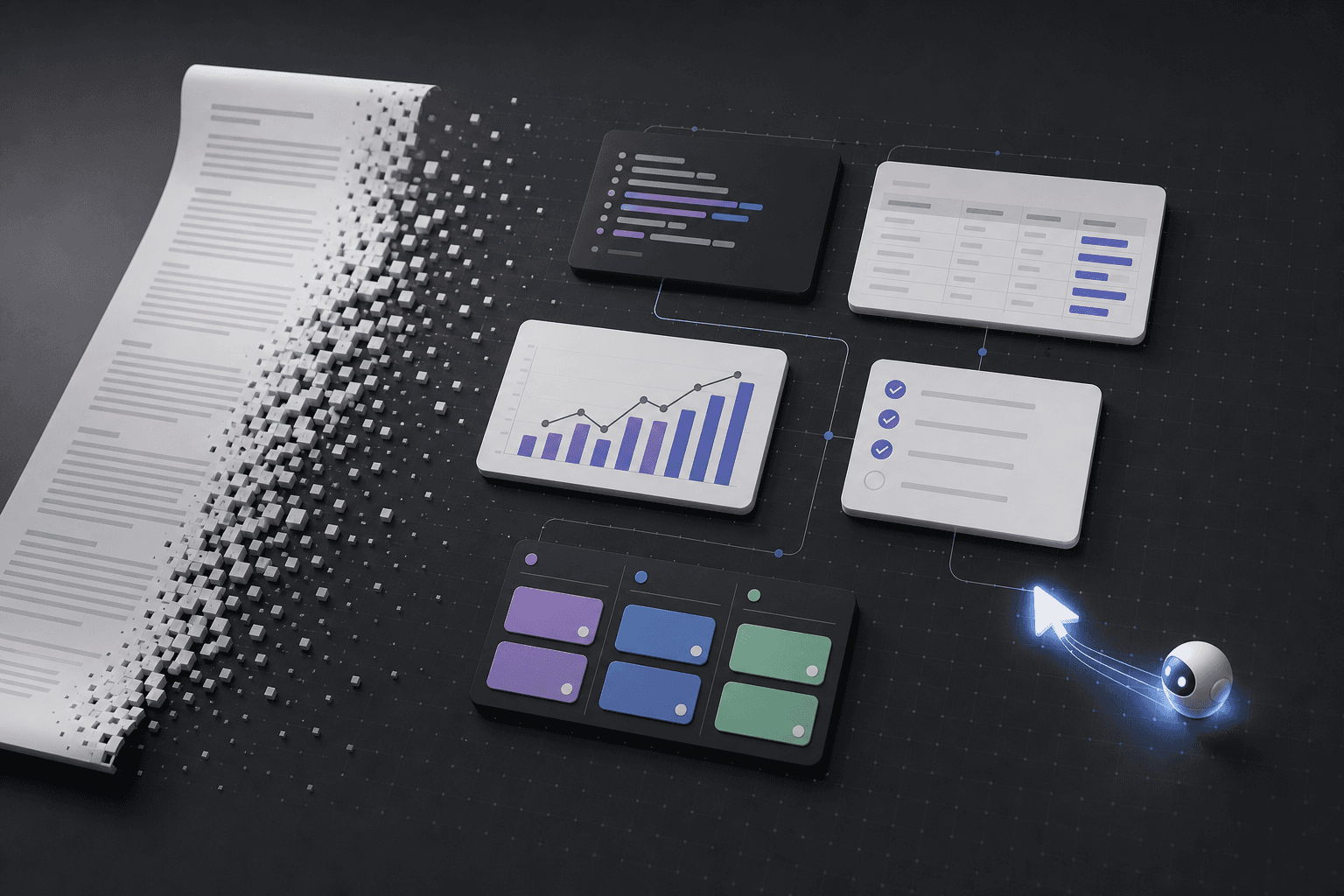
Pins are Pindown’s building blocks—typed units you can organize, share, reuse across formats, and update in one place instead of burying information in long documents.
A pin is a single, typed unit of content—think a Markdown brief, KPI stat card, table, chart, checklist, JSON block, or kanban item. Instead of burying everything in one giant document, Pindown breaks work into clear blocks you can organize, share, and reuse.
Why pins instead of “just another doc”?
Bite-size and scannable
Pins make information easier to scan because each block has one job. A decision brief, chart, and task list can sit next to each other without becoming a wall of text.
Put pins into any format
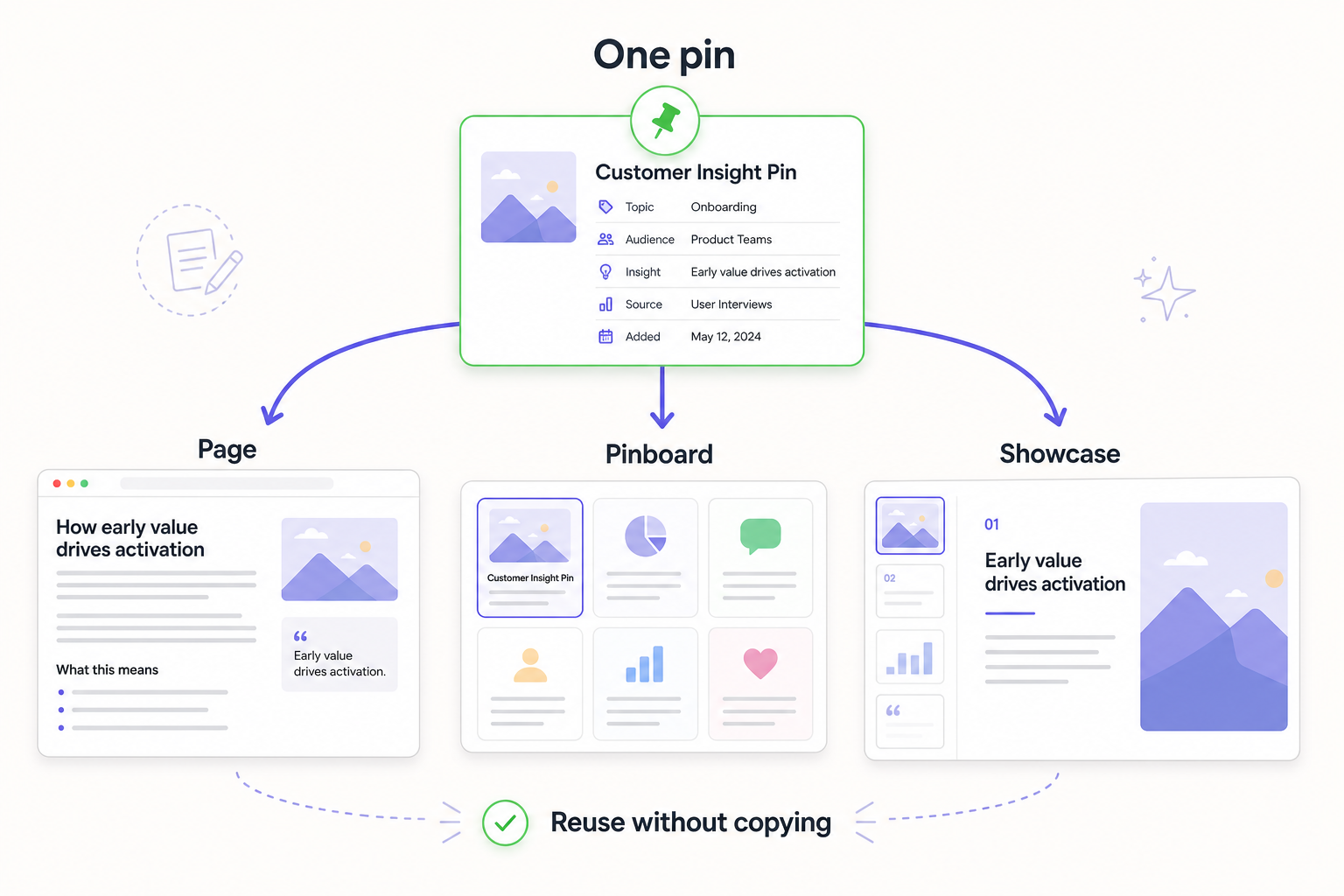
The same pin can appear in formats like canvases, pages, projects, showcases, and pinboards. You are not rewriting the same information for every audience; you are placing the right blocks into the right format.
Update once
When the information changes, update the pin instead of hunting through every page, deck, board, or document where you copied it. This keeps work cleaner and reduces duplicated information.
Share only what matters
You can share a whole surface when the full story matters, or share a single pin or selected pins when someone only needs the important part. In a document-first workflow, sharing one useful paragraph often means copying it into another app, losing context along the way. In Pindown, the pin itself is the shareable unit, so the right piece of information can move directly.
Agent-friendly by default
Pins are structured objects, not loose paragraphs. That makes them easier for the app-wide agent to find, update, summarize, compare, and assemble into outputs.
Document-first RAG vs pin-first RAG
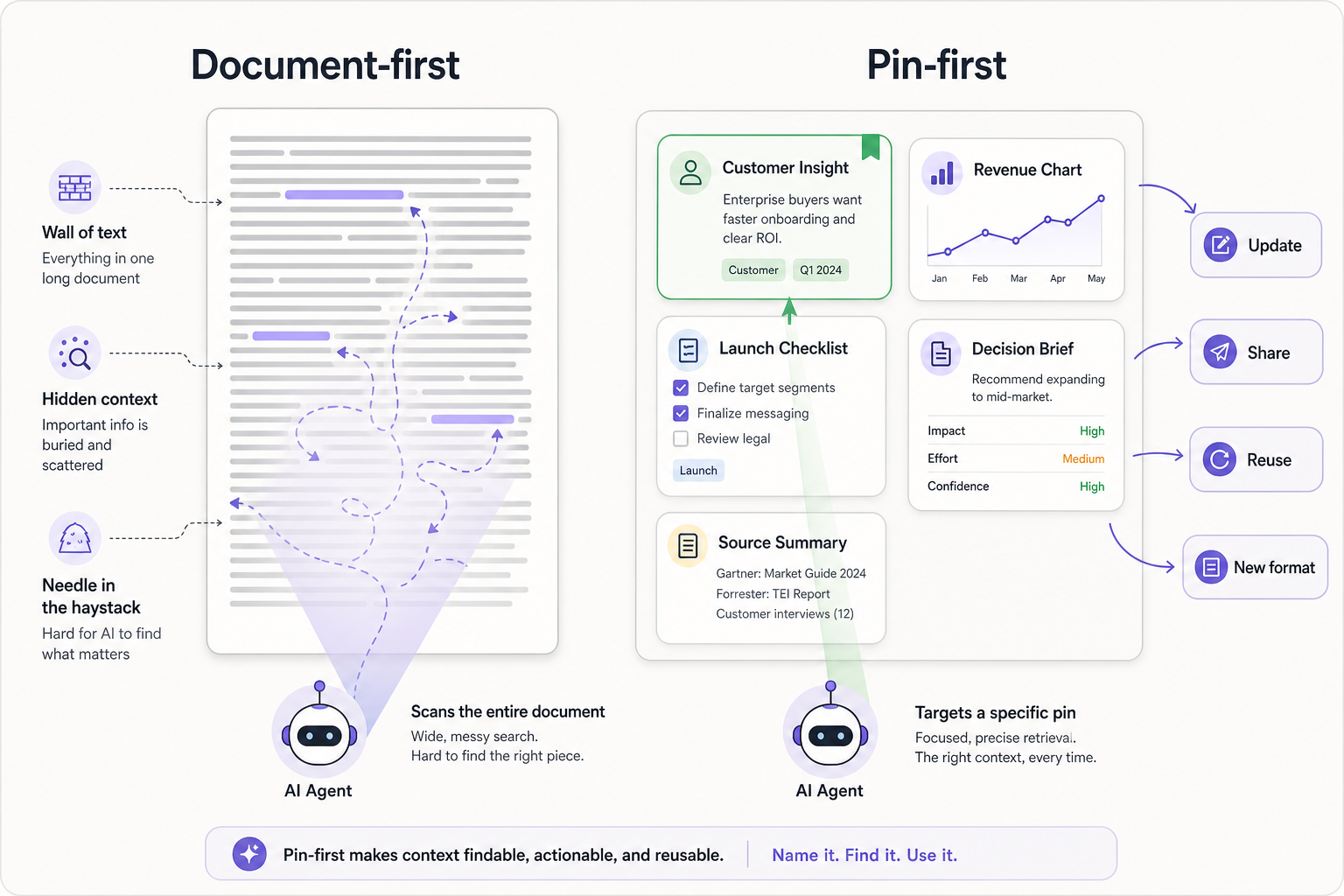
Think of it as document-first RAG vs pin-first RAG. Document-first RAG often asks the system to semantically search for one sentence or paragraph in a haystack of documents and embeddings. Pin-first RAG changes the retrieval target: the agent can look for the right pin. A pin encapsulates a specific piece of information, so it becomes a targetable unit: you can update it in place, share it standalone, put it into another format, or ask the agent to use that exact block in a new output.
Watch both retrieval styles answer the same questions:
Semantic search hunts for similar words in a wall of text — close, but ambiguous.
The agent targets a named pin — a real object it can update, reuse, and share.
How pins work in Pindown
You choose a pin type that matches the job: Markdown for narrative, tables for comparisons, charts for trends, JSON for API payloads, checklists for tasks, or roadmaps for milestones.
Then you place those pins into the format you need: a canvas for visual planning, a page for reading, a showcase for presentation, a project for planning context, or a pinboard for review, comparison, and monitoring.
The key idea is simple: think in pins. The agent can then help assemble those blocks into what you need instead of you manually describing every detail to include.
Frequently Asked Questions (FAQ)
Are pins a replacement for Google Docs?
They complement docs. Use pins when structure, scanability, reuse, and sharing only what matters are more important than one long scrolling document.
Can one topic span multiple pins?
Yes—that’s normal. A topic can have a summary pin, chart pin, table pin, and decision pin. Together they form the story without forcing everything into one document.
What pin type should we start with?
For decisions: Markdown + table. For tracking: kanban or checklist. For numbers: stat cards + charts.
Why does the atomic approach matter?
Because a pin can be updated once, reused across formats, shared precisely, and understood by the agent as a real object—not just text hidden inside a document.
That is also why the atomic approach changes what an agentic workspace can be. In bolted-on AI systems, the agent often has to work around documents, folders, and unstructured content with more RAG, embeddings, and custom glue just to approximate the same result. Pindown is built from the ground up around structured pins, so the workspace is already made of objects an agent can target, modify, combine, and share. That is the difference between adding AI on top of an old model and designing the workspace to be AI-native from the start.