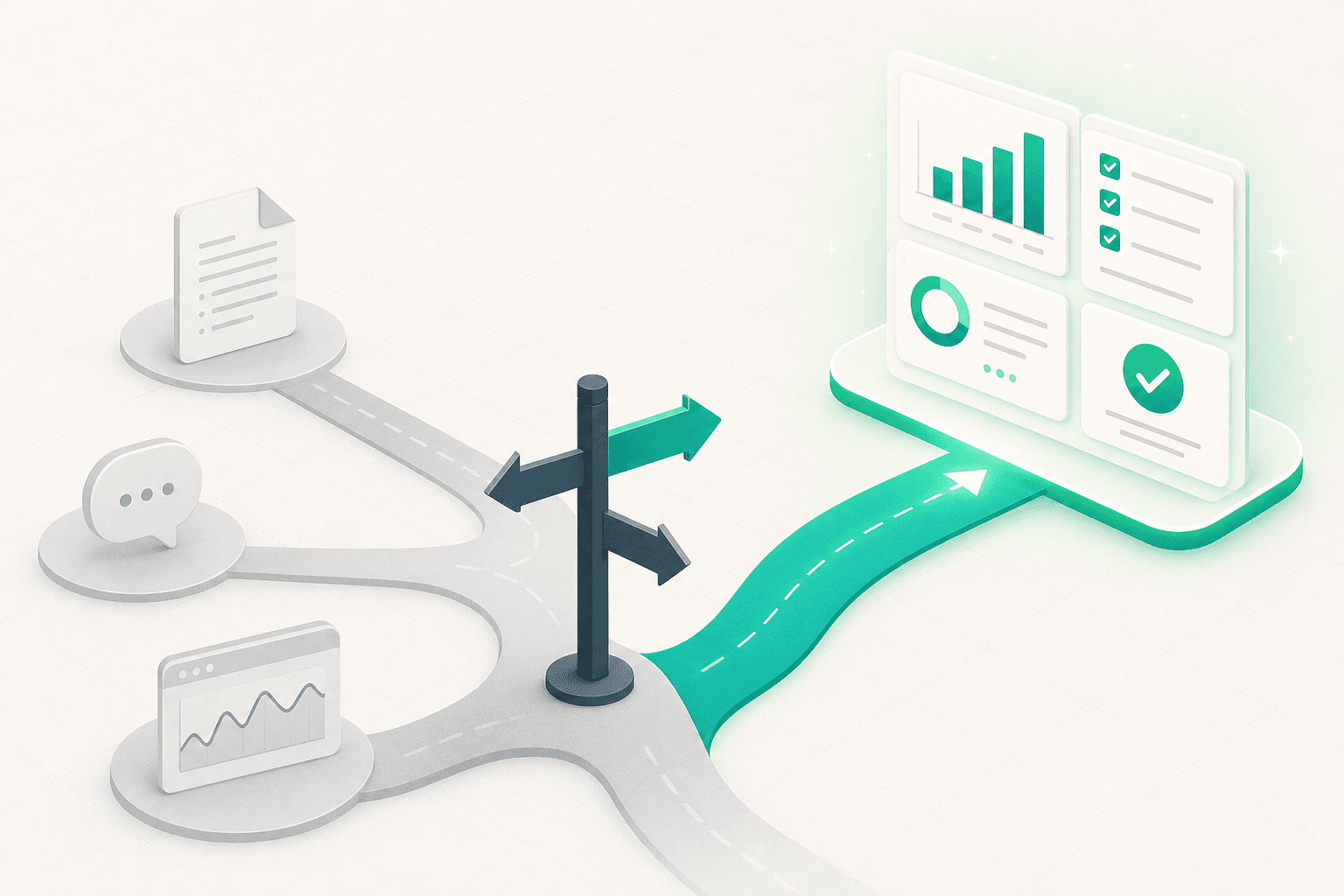
When to use Pindown (and when not to)
A practical guide to the moments Pindown is the right tool: when agent or automation output needs to become a live, client-ready deliverable that humans still control. Plus the cases where a doc, a dashboard, or a chatbot is the better choice.
New tools are easy to adopt and hard to place. This is the honest guide to when Pindown is the right call, written as signals you can recognize in your own week, not a feature list.
The one-line test: reach for Pindown when output needs the right format, has to stay live, and a human should still decide what goes out. If none of that is true, a simpler tool is probably fine, and we will say so below.
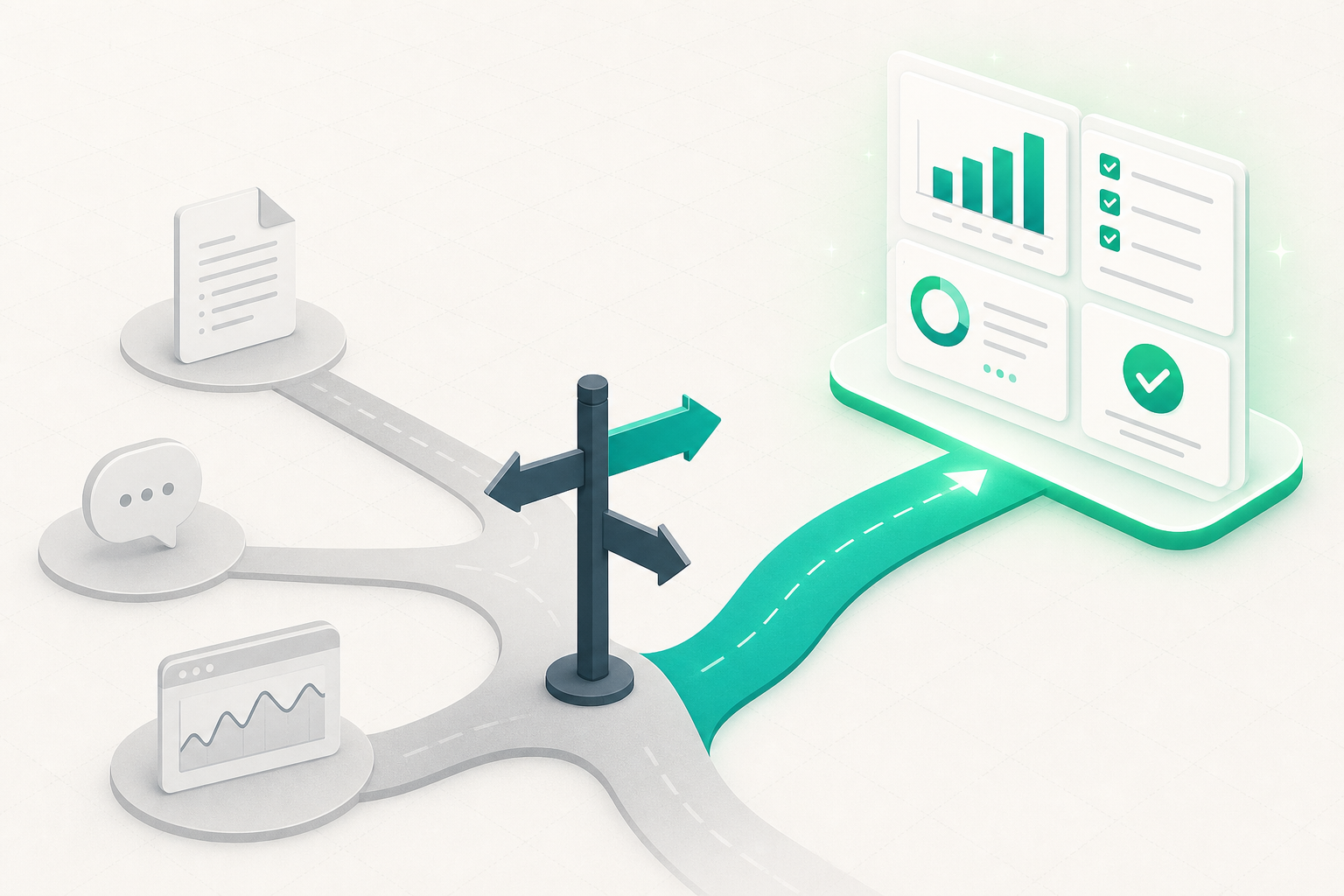
Reach for Pindown when…
1. Agent or pipeline output needs to become a deliverable
Your n8n, Make, Mastra, or custom script produces something useful, and right now it ends its life as a JSON blob, a log line, or a CSV nobody opens. Pindown gives that output a home: POST it into typed pins (stat cards, tables, charts) that read like a real dashboard instead of raw data. See why every pin is an endpoint.
2. The same numbers have to stay current without a rebuild
You send a report on Monday and it is stale by Tuesday. In Pindown the pin is the live address: your pipeline updates the value and the pinboard, the pitch, and the link your client already opened all reflect it. No re-export, no "here is the updated deck."
3. A human should approve before something ships
An agent is ready to send a client recap, issue a refund, or pause a campaign, and you want a person in the loop. Add an approval queue pin: the flow pauses, a teammate clicks an option, your webhook fires, and the automation continues. This is the difference between fast and reckless.
4. Different audiences should see different things
A client should see their report, not your margin breakdown. With organisations, custom roles, and pin-level access, you share one live link and each audience sees only what their role allows, instead of maintaining five separate exports.
5. One prompt should produce several formats at once
You need a KPI board, a checklist, and a short brief. In a chat tool that is three prompts plus copy-paste. In Pindown one request yields several typed pins side by side, ready to drop into a page, pinboard, or pitch. That is the AI-to-Asset pipeline.
6. Plan, live data, and decisions belong in one room
Your roadmap is in one app, the metrics in a dashboard, and the sign-off in Slack. Pindown puts planning pins next to live automation output next to the approval, so context is not split across tabs.
Concrete scenarios
| You are… | The trigger | What you build in Pindown |
|---|---|---|
| An agency | Monthly client reports eat hours and go stale | A per-client pinboard fed by your pipeline, role-gated, with an approval pin before send |
| An automator | n8n output is just JSON in a log | Pins your client can read, updated live by the same flow |
| An ops lead | Agents act with no checkpoint | Approval queue pins so a human signs off on outbound actions |
| A product team | Launch status lives in five places | One project with metrics, checklist, and run status together |
| A founder | Pitch numbers are always out of date | A pitch built from pins that update themselves |
When Pindown is not the answer
Choosing well means knowing the limits.
- You only need personal notes or a wiki. A doc-first tool like Notion is enough. You are not optimizing for live pins, API feeds, or multi-format output. See Pindown vs Notion.
- You want a fully autonomous, no-human run. If the whole point is that no person is involved, a standalone agent product fits better. See Pindown vs Manus.
- You need deep engineering dashboards only. When narrative, checklists, and client-ready surfaces do not matter, a Grafana-style tool wins.
- You just want a quick one-off answer. For a single throwaway question, a chatbot is faster. Pindown earns its keep when the output needs to persist, stay live, or be shared.
Being honest here is the point: Pindown is not trying to replace your whole stack. It is the layer where output becomes a governed, living deliverable.
A quick decision checklist
Ask yourself five questions. The more "yes" answers, the more Pindown fits:
- Does this output need to look like a real deliverable, not raw text or JSON?
- Will the numbers change after I first share them?
- Should a human approve before anything goes out?
- Do different people need to see different slices of it?
- Will an automation or agent keep feeding it over time?
Three or more "yes" and you are squarely in Pindown territory.
Frequently asked questions
Do I have to move my whole workflow into Pindown?
No. Most teams keep their automations where they are and use Pindown as the surface where output lands, stays live, and gets shared with the right controls.
Is Pindown overkill for a solo user?
Not if your work needs structure and sharing. Solo, you get one place to create, monitor, and share, instead of stitching together three apps.
How does the human-in-the-loop part work?
Add an approval queue pin and point it at your webhook. The agent pauses, a person approves in the UI, and your flow resumes. Flow trigger pins do the reverse: a human starts a run on purpose. More in What makes Pindown different.
What should I read next?
- What is Pindown?: the simple intro
- What makes Pindown different: the full case
- Why Pindown saves time: the AI-to-Asset pipeline
- Pindown Quickstart: formats and a video walkthrough